A Minecraft network that wakes up when you play
Pick a game in the hub, let its server wake up, and play. Come back later and your world is still there. Behind that simple loop is a small network built around old adventure maps, limited resources, and a refusal to treat saved progress as disposable.
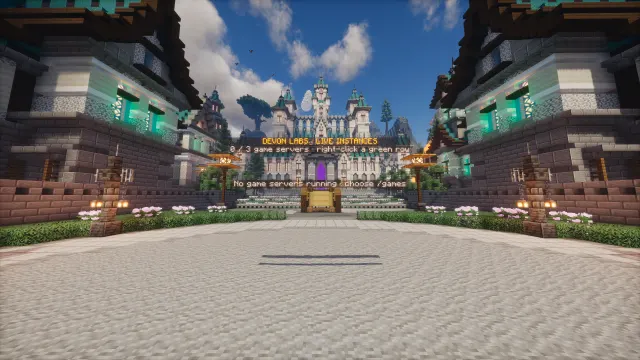
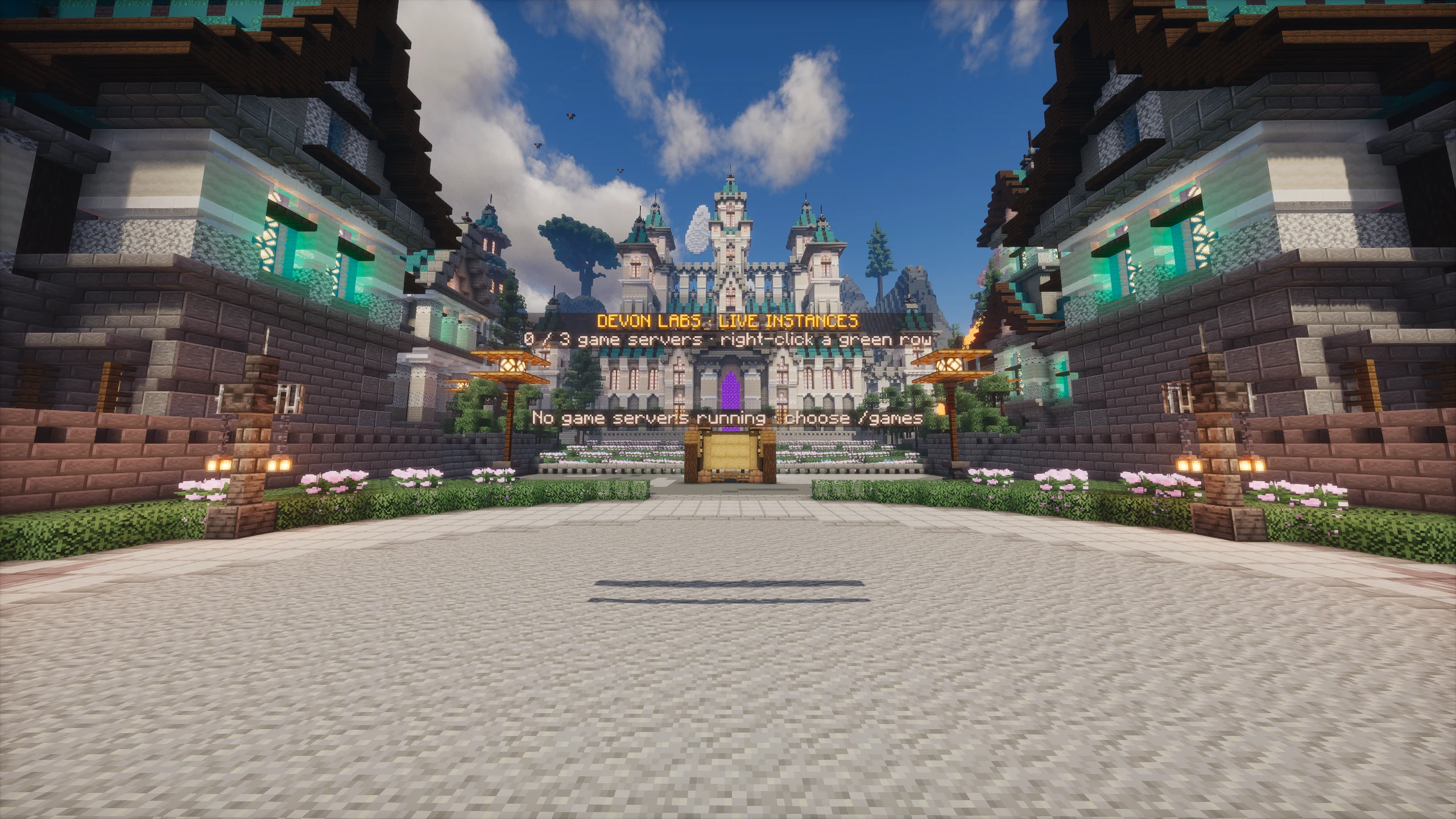
- 23 games
- Registered in the network
- 3 active
- Game backends at a time
- 30 seconds
- Empty before save and shutdown
Source and setup follow-up, 18 November 2026: I’m extracting the reusable host services, Minecraft plugins and egg into Pelican Minigames on GitLab, an independent AGPL-3.0-only toolkit. The repository excludes this network’s worlds, maps, player history and private configuration. It is development source; the public beta, integrated enrollment, native Pelican management plugin and verified offline authentication remain incomplete.
1. A library of games
Minecraft maps are often small games in their own right. A puzzle map, a party game, and a long co-op adventure can have very different needs, even though they all arrive as a world download. I wanted to put that variety behind one familiar entrance.
The player-facing loop is deliberately short: join the hub, choose a labelled display or open /games, and travel to the selected game when it is ready. /hub brings you back. The proxy and hub stay online; individual game servers run when people use them.
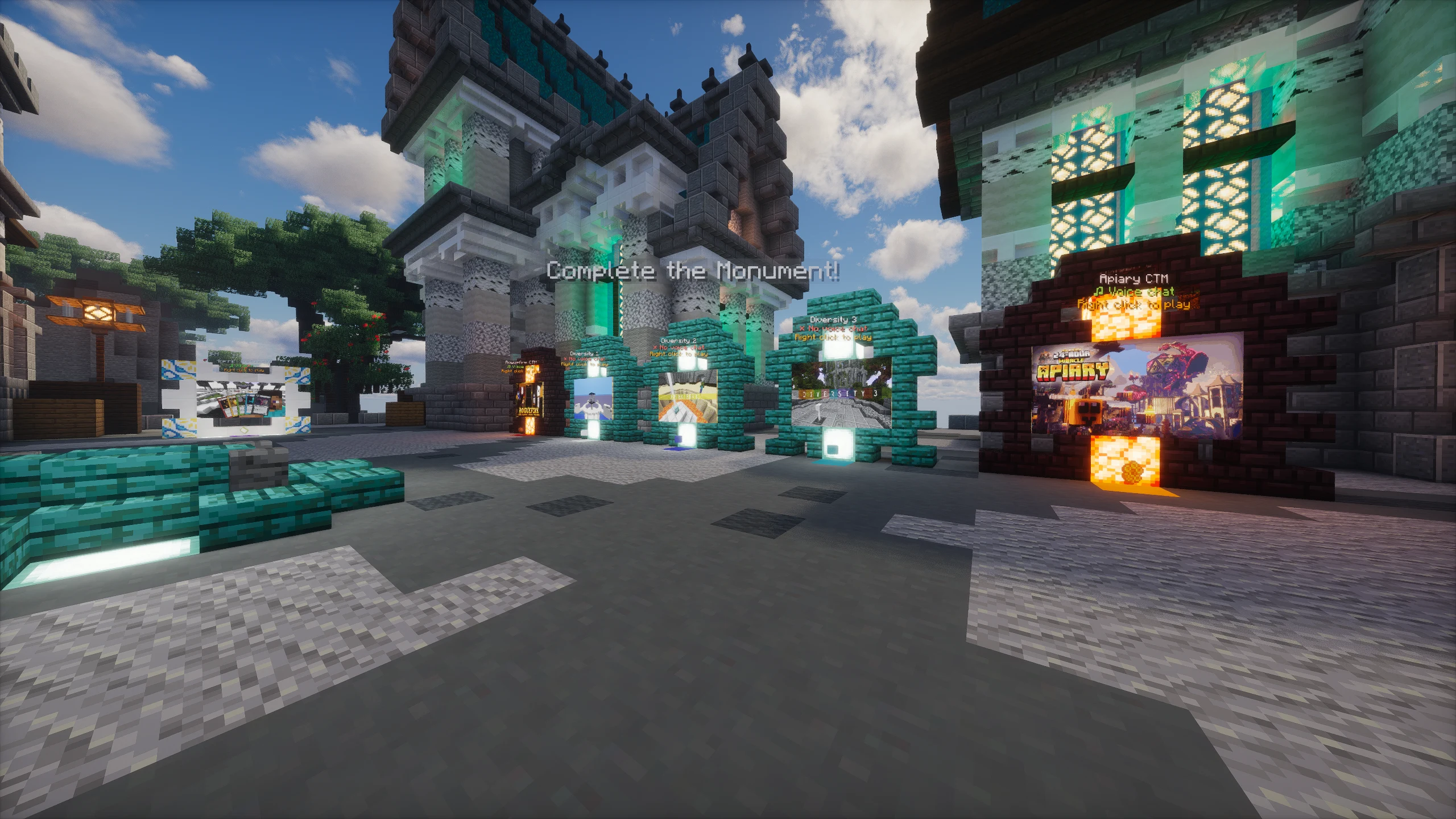
The catalog includes the Diversity trilogy, party and competitive maps, adventure worlds, three Golf courses, and newer additions such as Roguefire, Apiary, and Sorcerer’s Book 2. The aim is a collection worth returning to, with each map’s rules and progress intact.
2. The rules that shape it
- Keep idle games asleep. A controller admits at most three game backends. The hub and proxy are separate from that limit. This is an admission policy, not a claim that every combination has been load-tested.
- Preserve what people played. Returning to the hub leaves progress intact; the backend saves the current world before automatic shutdown. A reset is a separate, confirmed operator action.
- Respect the map’s runtime. Preserve the author’s archive, inspect its instructions and packs, and start with the exact supported engine and version before adapting a copy.
- Keep existing worlds independent. The personal servers and their progress remain separate from fresh minigame copies.
- Keep authority narrow. A display can request a known game. It does not receive the credentials needed to administer the host.
Independent group copies of the same map are outside the current system. Three active games means three different configured backends, with the existing world for each map.
3. How a game wakes up
Velocity is the front door. The hub provides the selection interface; a separate host controller owns admission, starts, readiness, and idle shutdown. Pelican and Wings manage the actual server processes.
A fourth different game cannot start until a slot is free; players can still join an already running game. Starting, stopping, and uncertain power requests continue to reserve capacity until their state is reconciled. Otherwise, a slow response could accidentally become permission to start another server.
The live instance board shows running games, readiness, and connected players. Its join action refers to an exact run and is checked again before transfer. Stale board data pauses joins, so an old display cannot quietly send someone into a replacement world after a reset.
4. What I reused and what I built
The foundation is existing software: Pelican/Wings for process management, Velocity for routing, Paper or Vanilla for maps, and version-translation plugins where needed. The hub itself uses Vulcan Lobby by getawxy. The map creators supply the games.
Keeping every game online would simplify startup, at the cost of running many idle JVMs. Managing each game manually through the panel would work too, but would keep an operator in the player’s path. The chosen approach retains the panel and adds a small orchestration layer for this collection’s admission, routing, and persistence rules.
That custom layer has a maintenance cost: the controller, proxy integration, reset helper, and station plugin must agree on stable identities and recovery behavior. It earns its place by handling the boundaries between existing tools, rather than replacing their server engines or administration interfaces.
The reusable Pelican minigame template follows the same principle. It builds on maintained runtime images and official downloads, adding exact-version selection, checksum verification, and map metadata. Importing that template alone does not enroll a game in the proxy, controller, menus, or reset registry.
Pelican setup in pictures
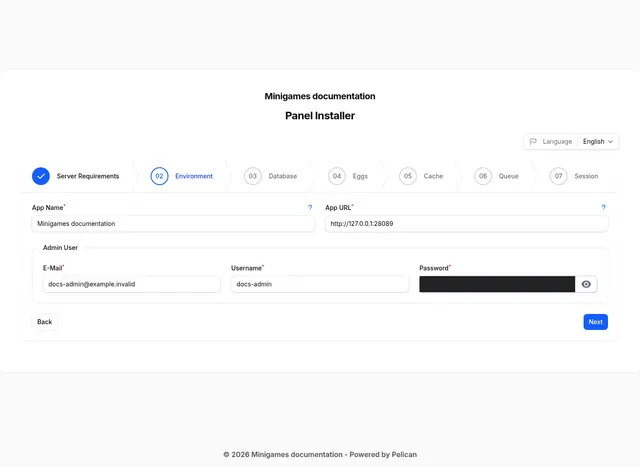
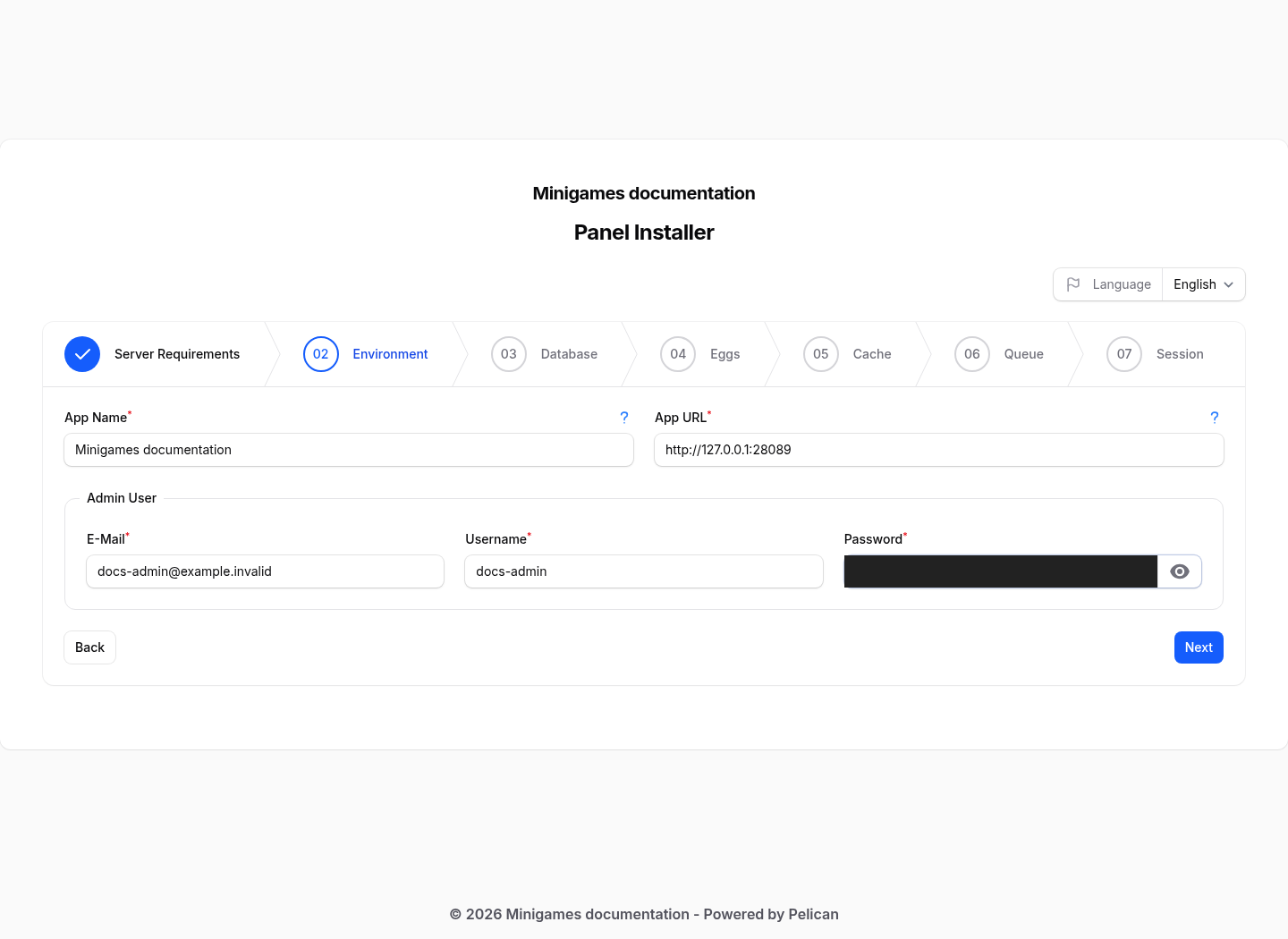
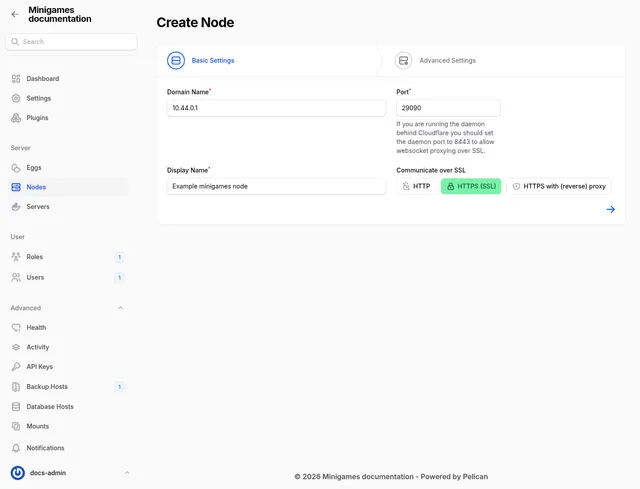
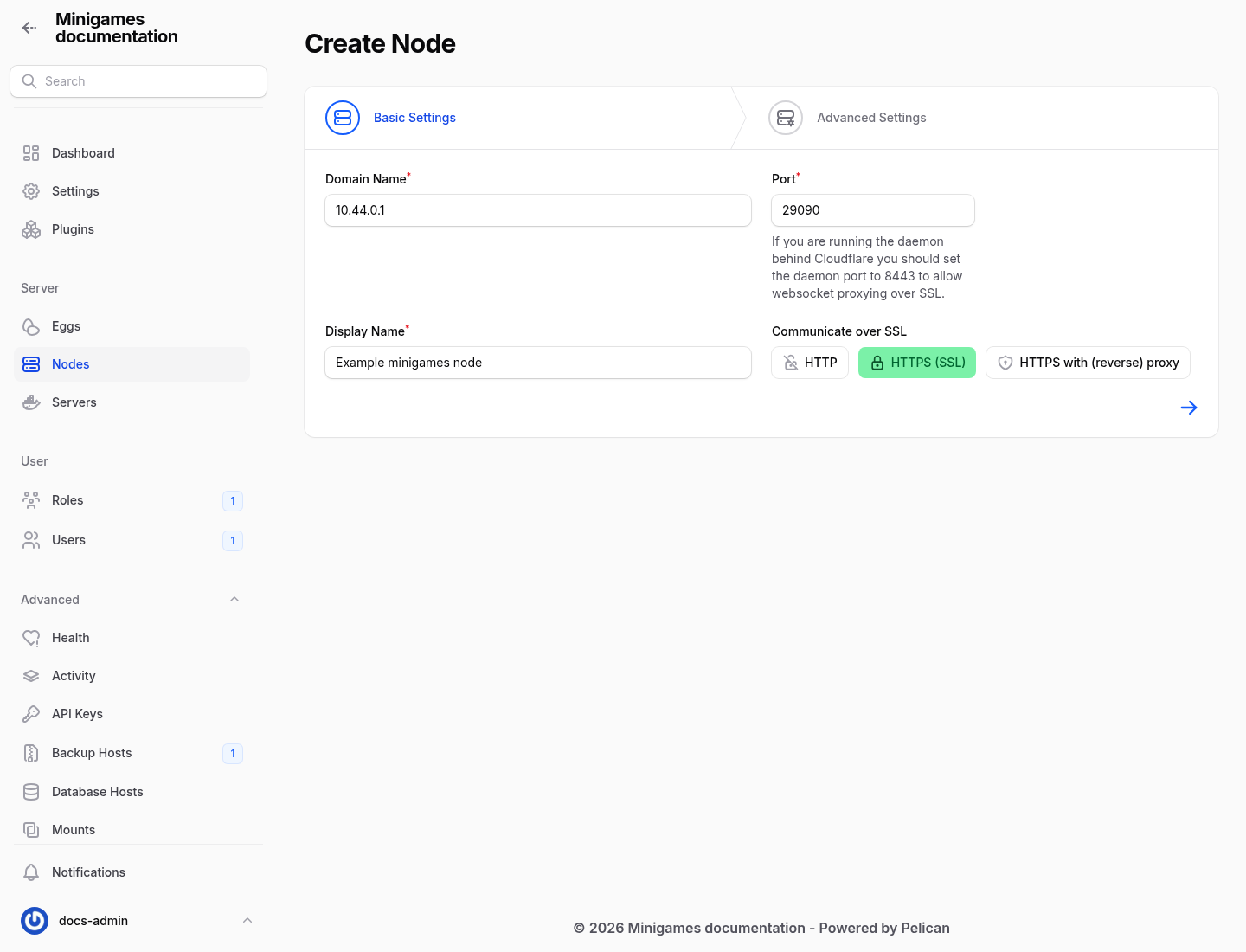
The reusable toolkit starts with a separately installed Pelican panel and Wings node. These captures show a fresh documentation panel, with example values and a masked password. They do not show the live network or establish complete toolkit acceptance. The illustrated setup guide connects the screens to the host installation procedure.
1. Complete the panel installer
Check the PHP requirements, set the panel URL, and create a dedicated administrator. The loopback HTTP URL belongs only to this isolated demonstration; use HTTPS for a remotely accessed panel. Choose and back up the database, then finish the cache, queue and session steps using the vendor’s deployment guidance.
2. Define the Wings node
Open Nodes and create a node for the game host. Match its API address, TLS mode, ports and data directory to Wings and the toolkit’s installation policy. Keep the node configuration token private. For this toolkit’s initial profile, Wings uses a private IPv4 address with verified TLS; the panel’s default HTTP selection is not sufficient.
3. Import the minigame egg
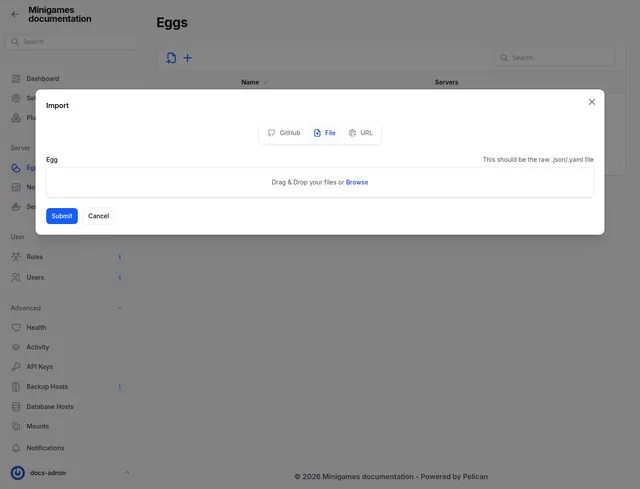
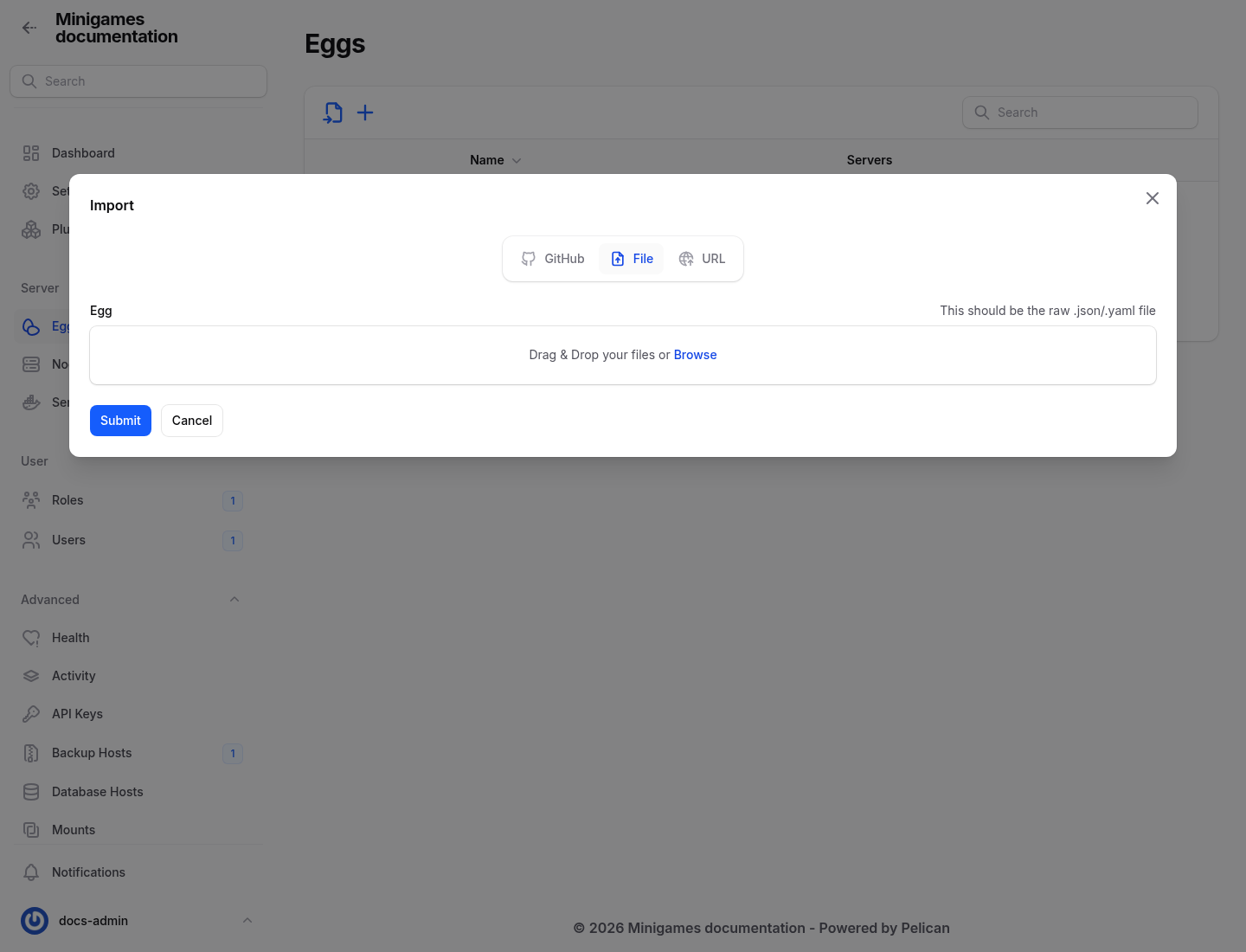
Open Eggs and use Import to upload the repository’s minigame egg. Importing a template does not enroll a game. Complete the guarded fresh host installation while the managed game-volume tree is empty; create and upload game servers only afterward. The real enrollment worker and its acceptance checks remain in progress.
5. Compatibility is part of the map
“Runs Minecraft” is not a sufficient compatibility target. Diversity 1 uses Vanilla 1.7.4, Diversity 2 uses 1.8.8, and Diversity 3 uses 1.14.4. Other maps need Paper, newer command formats, or a particular resource pack. Forcing them all onto one current server version would lose the reason to preserve them.
Version translation helps clients reach those backends, but a successful connection says little about a custom HUD, shader, puzzle, or command sequence. Dormant routes also need an exact backend protocol pin: there may be no running server for the proxy to probe when a player first chooses it.
Compatibility repairs belong in derived copies. Original downloads and checksums remain intact, alongside separate pristine reset templates and played worlds. Elemental Trial’s 26.2 conversion illustrates the tradeoff: the English HUD and replacement seating were checked in a native client, while some newer visual effects are omitted and full dungeon playtesting remains pending.
6. Starting over without losing the past
A reset should let a group begin again while keeping a route back to its previous run. The operator selects the map and confirms the operation. Players return to the hub, the target stops, and only then can the helper back up the configured world bundle and stage a pristine replacement.
Restoring a snapshot follows the same pattern and archives the current world before replacement. Snapshot codes are permanent, readable handles; the underlying archive identity, target server, and generation stay bound together. Server binaries, plugins, and unrelated configuration are outside the world-replacement scope.
An interrupted or uncertain operation leaves the map locked and offline for reconciliation. A timeout cannot be treated as evidence that the world is safe to start. The journal, controller history, and archives are part of recovery, alongside the actual world folders.
Run history records observed joins and leaves, rather than counting a start request as play. It can have gaps after outages, so it is useful operational history with explicit limits. Backup integrity and a successful restore are also separate checks; one does not establish the other.
7. A hub you can walk through
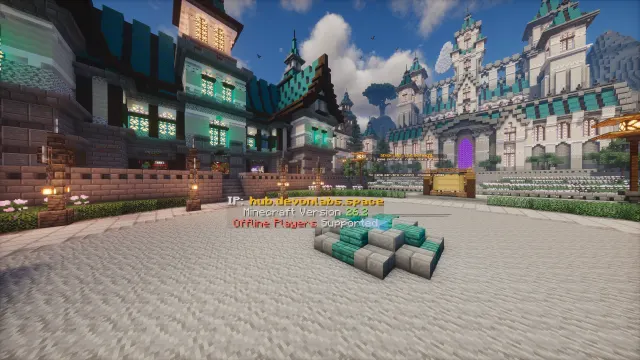
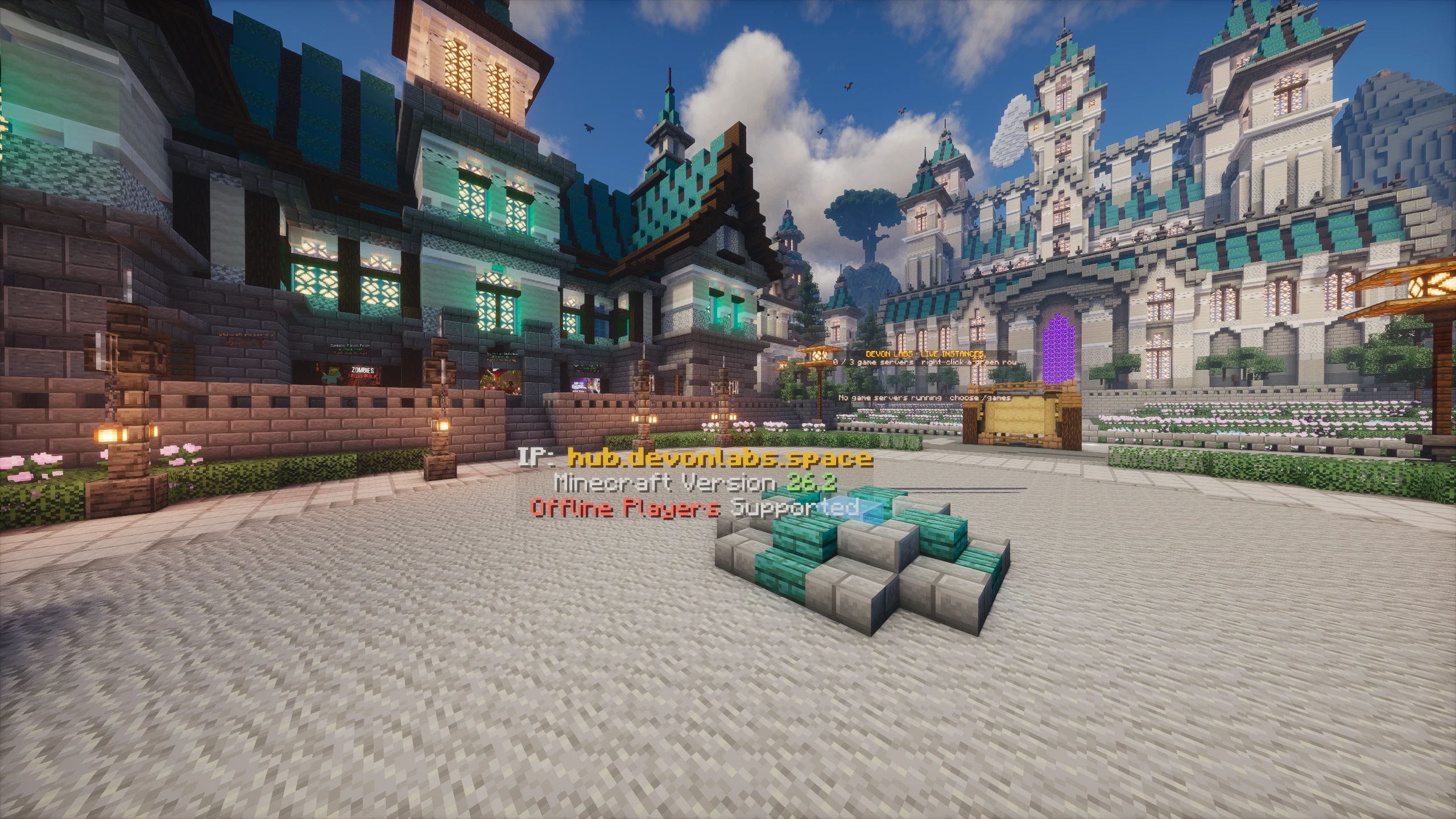
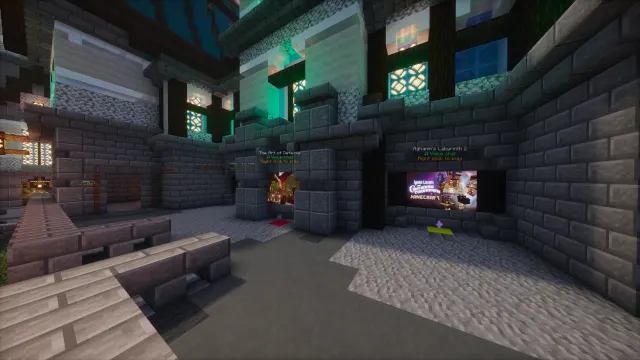
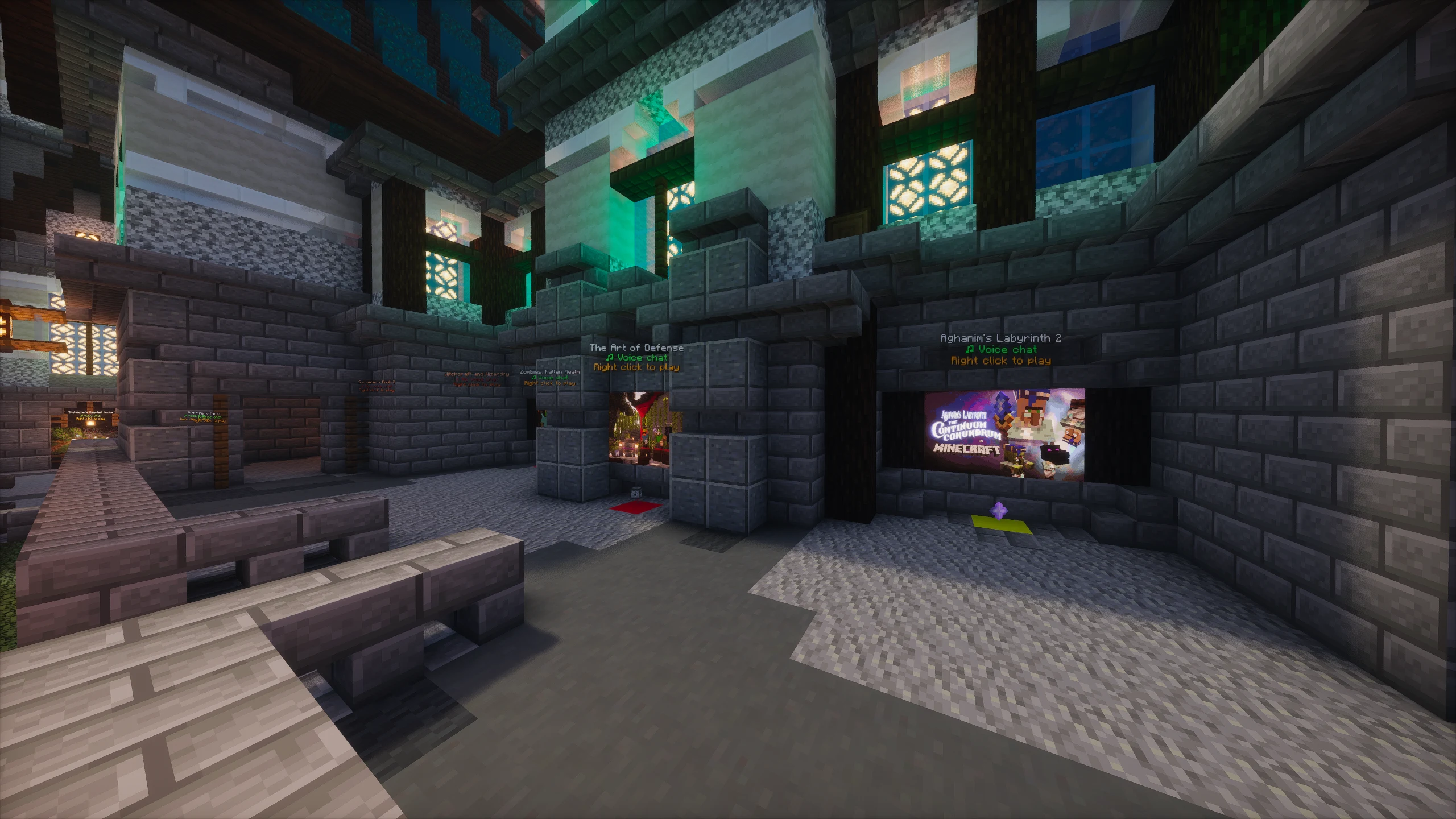
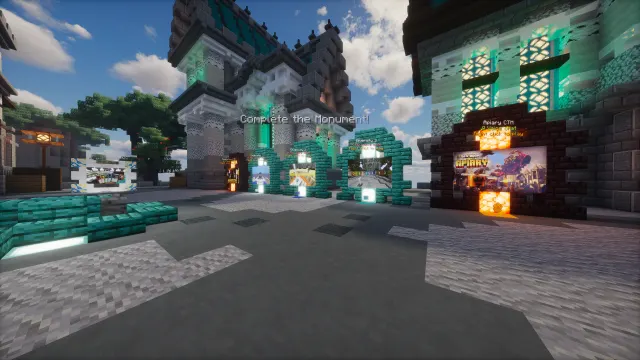
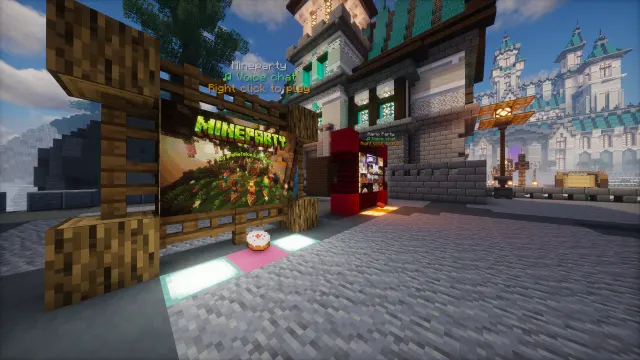
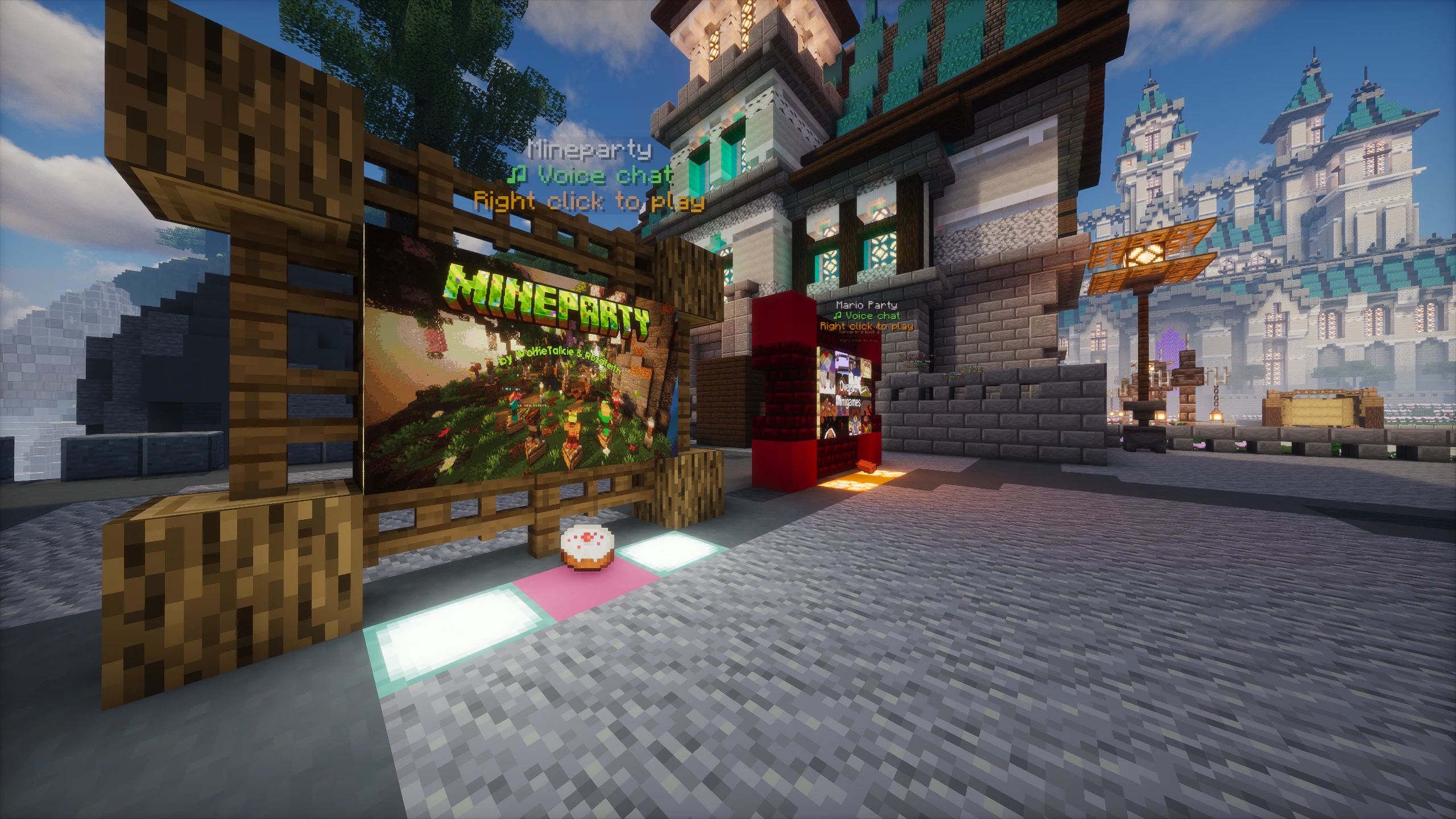
The hub turns a server list into a place. Labelled stations and clickable photo boards give games a visible presence, and the instance board shows where people are playing.
Operators can place, move, hide, and change a station’s photo in game. The display entities and the physical build have separate lifecycles: moving a station does not move its stone podium, lights, or surrounding blocks. New games default to hidden displays, ready for manual placement after the operator builds their setting.
Photo changes retain registered map IDs, while saved position and visibility stay bound to the hub world. Those files and world data belong together in backups. Rebuilding a display should not mean losing its identity or silently overwriting someone’s decoration.
The approved next step connects the hub’s activities: walking guides, public cosmetics, twelve collectible spirits, rooftop parkour, and informational XP. Cosmetics are intended to be available to everyone; levels will not gate them. This larger progression experience is still work in progress.
8. What is live and what is next
| Area | State and next step |
|---|---|
| Network core | Installed: 23 registered games, on-demand starts, three-game admission, 30-second empty shutdown, hub menus, and reset/snapshot support. Complete multiplayer and capacity testing remain open. |
| Latest map additions | Roguefire, Apiary, and Sorcerer’s Book 2 are activated. Their station definitions and previews are installed. New displays start hidden for manual placement; the Apiary display shown above has since been placed by hand. Complete playthroughs remain unverified. |
| Cosmetics | The starter slice is live. The broader public selection has isolated-server checks and partial native-client checks; its live activation and remaining selection/transfer checks are pending. |
| Hub progression | Approved design: walking guides, spirits, parkour, informational XP, and rankings. Full plugin-stack compatibility, implementation, and acceptance remain in progress. |
| Honey Clicker | Queued separately from the 23-game baseline. Vanilla 1.20.4 intake and smoke checks are partial; the proposed initial cap is one player. Gameplay, meaningful save/restart acceptance, and network activation remain incomplete. |
| Enrollment workflow | Read-only egg metadata extraction and validation are verified. Full guarded enrollment is still being completed; a metadata candidate is not an activated game. |
9. What counts as verified
Each layer needs evidence suited to its claim. Archive checks and upstream hashes establish which files were inspected. An isolated startup shows that a runtime boots. A protocol response shows that it answers. Native-client checks can establish specific interactions and visuals. A multiplayer playthrough is needed to evaluate the game itself.
The same distinction applies to operations. Disposable reset/restore exercises test recovery behavior; they do not mean a live player world was reset. A check through the public hostname from inside the LAN does not establish independent external reachability. An admission limit does not establish sustained performance.
Live changes go through the existing maintenance lock, admission controls, complete roster checks, controller/reset-helper idleness checks, stopped-volume backups, integrity verification, and health checks afterward. Those safeguards matter because even a hub-only change can interrupt the entrance to every game.
10. What I would carry forward
The hardest parts sit between components: a world version and a client pack, an old menu row and a new run, a timed-out request and an operation that may already have committed. Stable identities and explicit states make those boundaries easier to reason about.
Preservation also changes how features are designed. Original archives, reset baselines, current worlds, and historical snapshots serve different purposes. Keeping them separate makes compatibility experiments and fresh starts possible without making progress disposable.
Next comes completing the public cosmetics checks and rollout, validating the premade activity stack, and building progression in verified slices. Honey Clicker keeps its own acceptance checklist. The standard is that choosing a game feels simple because the complexity underneath has somewhere safe to live.
Credits: Minecraft and its maps belong to their respective creators. This post describes the network integration; it does not redistribute map downloads, resource packs, private operational records, or player history.